Cobra Kai Karate Controls
Official training keys and honest notes on combat inputs players report.
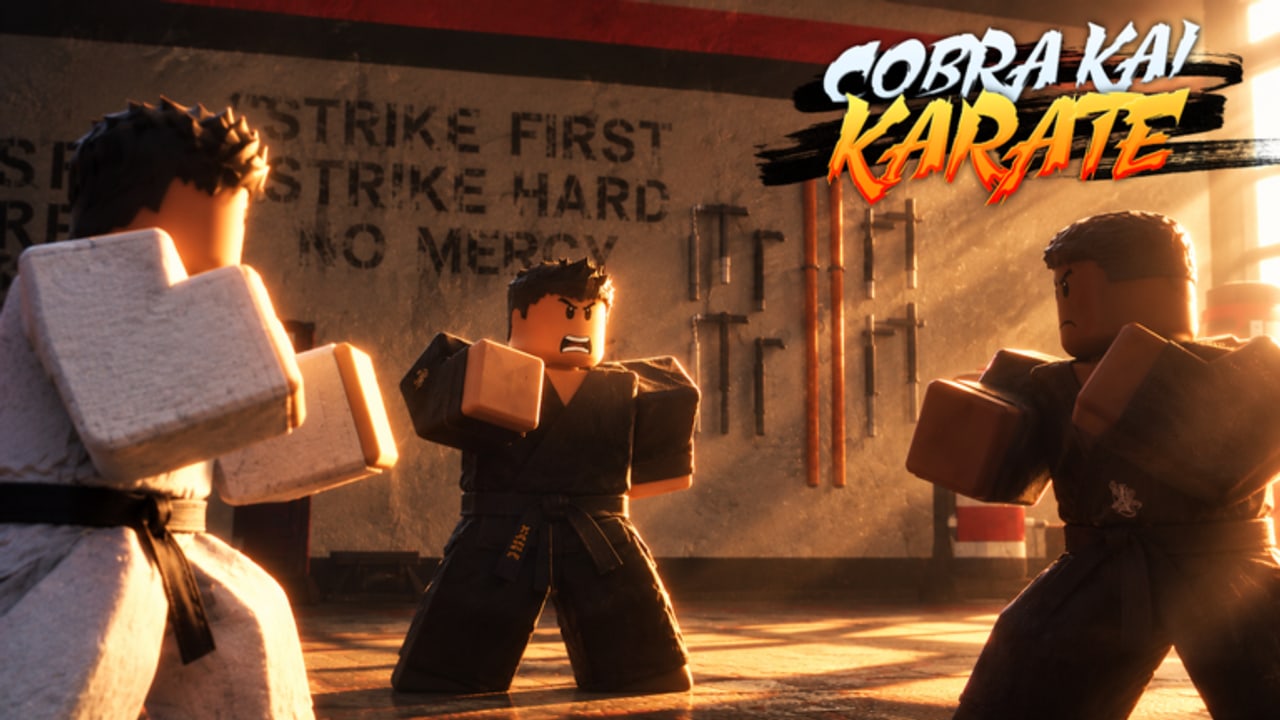
Clean inputs make Cobra Kai Karate feel like a dojo instead of a laggy clicker. This controls reference separates officially highlighted training keys from community-reported combat binds, and it flags when a tip might come from a related Cobra Kai–branded Roblox experience rather than RoKarate’s own documentation.
Use this page beside Training, Getting Started, and Tournaments.
Confirmed core training controls
Official game messaging for Cobra Kai Karate / RoKarate repeatedly centers on three training actions:
| Action | Key | Purpose |
|---|---|---|
| Push-ups | Z | Train Strength |
| Sit-ups | X | Train Health |
| Meditate | M | Steadier / balanced training ticks |
These are the binds you should memorize on day one. If Z/X/M do nothing:
- Click the Roblox window so it has focus.
- Wait for the HUD to finish loading after join.
- Confirm you are in place ID
17072376063, not a lookalike. - Rejoin a different server if the training client scripts failed to replicate.
Mobile players use on-screen buttons that mirror these actions; labels may read as Push-Up / Sit-Up / Meditate rather than showing keyboard letters.
HUD / meta controls (codes and menus)
| Action | Where |
|---|---|
| Redeem codes | Twitter / codes icon at the top of the screen |
| Stats / progress | In-game stat panels on the HUD (exact layout can shift with UI updates by BossSlayer56 and team) |
| Leave / shift lock | Standard Roblox client menus |
Full redeem walkthrough: How to Redeem Codes. Active strings: Codes Hub.
Movement (Roblox defaults)
Unless the experience remaps them, expect standard Roblox movement:
| Action | Typical key |
|---|---|
| Move | WASD |
| Jump | Space |
| Camera | Right mouse / touch drag |
| Sprint | Check in-game; many experiences use Shift — confirm locally* |
| Shift lock | Shift lock toggle in Roblox settings / in-experience if enabled |
Movement itself rarely needs a guide; training focus does. Still, stable camera work matters once you spar.
Combat inputs — what we can say honestly
RoKarate includes friend challenges and tournaments, so combat controls exist. Exact punch / kick / block bindings can vary by patch and are not always spelled out in short storefront descriptions the way Z/X/M are.
Community-reported patterns (verify in your client)
Players commonly look for:
- Punch / melee — often mapped to mouse click or a nearby letter in karate Roblox titles
- Block / guard — frequently a hold key (community discussions sometimes mention classic guard patterns)
- Kicks / specials — often unlocked with belts/moves rather than available from minute one
- Ability hotkeys — may appear after belt unlocks as additional keys or GUI buttons
Because related Cobra Kai Roblox experiences (different places, different developers) circulate in search results, some key charts online mix games together. If a YouTube overlay shows binds that do nothing in place 17072376063, you are probably watching a sibling title’s layout.
Rule of thumb: Trust Z / X / M and the codes icon as confirmed for this game’s training loop. Treat punch/block/kick charts as verify-in-client until the on-screen tutorial or settings panel shows them.
How to discover your live combat binds
- Enter a safe friend challenge after early belts (Belt Progression).
- Open any in-game controls / help UI if present.
- Try primary click and common nearby keys while reading the move list you unlocked.
- Note what the animator telegraphs—BIue_k’s animations usually sell whether a punch, kick, or special fired.
- Write your personal notes; patch days can remap soft keys.
Controller and mobile notes
- Touch: Training actions appear as GUI buttons; combat may use tap / hold gestures tied to moves.
- Gamepad: Roblox may map movement and jump automatically; training keys sometimes need keyboard or on-screen GUI. Test before a ranked-feeling tournament.
- UI scale: Increase Roblox UI scale if the codes icon or training prompts are hard to hit on a phone.
Practice routine (10 minutes)
- 2 min — Z only, watch Strength ticks and animation cancel comfort.
- 2 min — X only, same for Health.
- 2 min — M, practice starting/stopping without panic.
- 2 min — Alternate Z/X every 15 seconds to build muscle memory for balanced sessions in Training.
- 2 min — If belts allow, open a friendly spar and test whichever attack/block inputs your client exposes.
Repeat this mini-routine at the start of 2X Weekend so multiplier time is not wasted on “wait, which key?”
Accessibility and comfort
- Remap at the OS level only if you understand conflicts; Roblox experiences do not always honor custom remaps for Z/X/M.
- Take hand breaks—incremental games encourage long sessions, especially during 2X and 3X events.
- Lower graphics if input delay feels tied to FPS drops on full 35-player servers.
Related pages
- Training — how to spend Z/X/M time efficiently
- Tournaments — when combat inputs matter most
- Tier List — which training methods to prioritize
- Updates — patch notes that might change UI or binds
Honesty checklist before you share binds
When posting in Discord (discord.gg/rokarate is commonly shared) or the verycooltiger group:
- State your platform (PC / mobile).
- State the place ID.
- Separate “works for training — from “works for PvP.”
- Do not copy-paste charts from other Cobra Kai Roblox games without labeling them.
Accurate controls talk helps newcomers more than inflated “secret key — myths. Master Z/X/M first—everything else builds on the stats those keys create.
Frequently Asked Questions
Quick answers to the most common questions.
What are the main Cobra Kai Karate controls?
Push-ups on Z, sit-ups on X, and meditate on M. Redeem codes via the top Twitter/codes icon.
Are punch and block keys officially listed?
Training keys are clearly promoted. Combat binds can vary—verify punch, block, and kicks in your live client.
Why do some key guides not work for me?
They may describe a different Cobra Kai Roblox experience. Confirm place ID 17072376063.
Do mobile players use Z/X/M?
Mobile uses on-screen training buttons that mirror push-ups, sit-ups, and meditation.
What should I practice first?
A short Z/X/M routine, then test unlocked combat moves in a friendly challenge.